






 Concept image
Step 1 of 4
We hear about it first
Monitoring tells us when your server or its backups go quiet, often before anyone in the office calls.
Without a plan: You find out when nobody can work.
Your server is backed up onsite every 30 minutes or less, with copies kept outside the building. After a fire, flood, theft or ransomware, we bring your systems back, at a new location if your office is out of action.

Copies kept outside the building mean nothing is lost with the hardware. We bring your systems back, at a new location if we need to.
We restore from a clean copy taken 30 minutes or less before the attack, so you're not left deciding whether to pay.
Onsite replication means a current copy is already in the building, ready to bring back.
We restore it from the last backup, usually before anyone else notices it was gone.
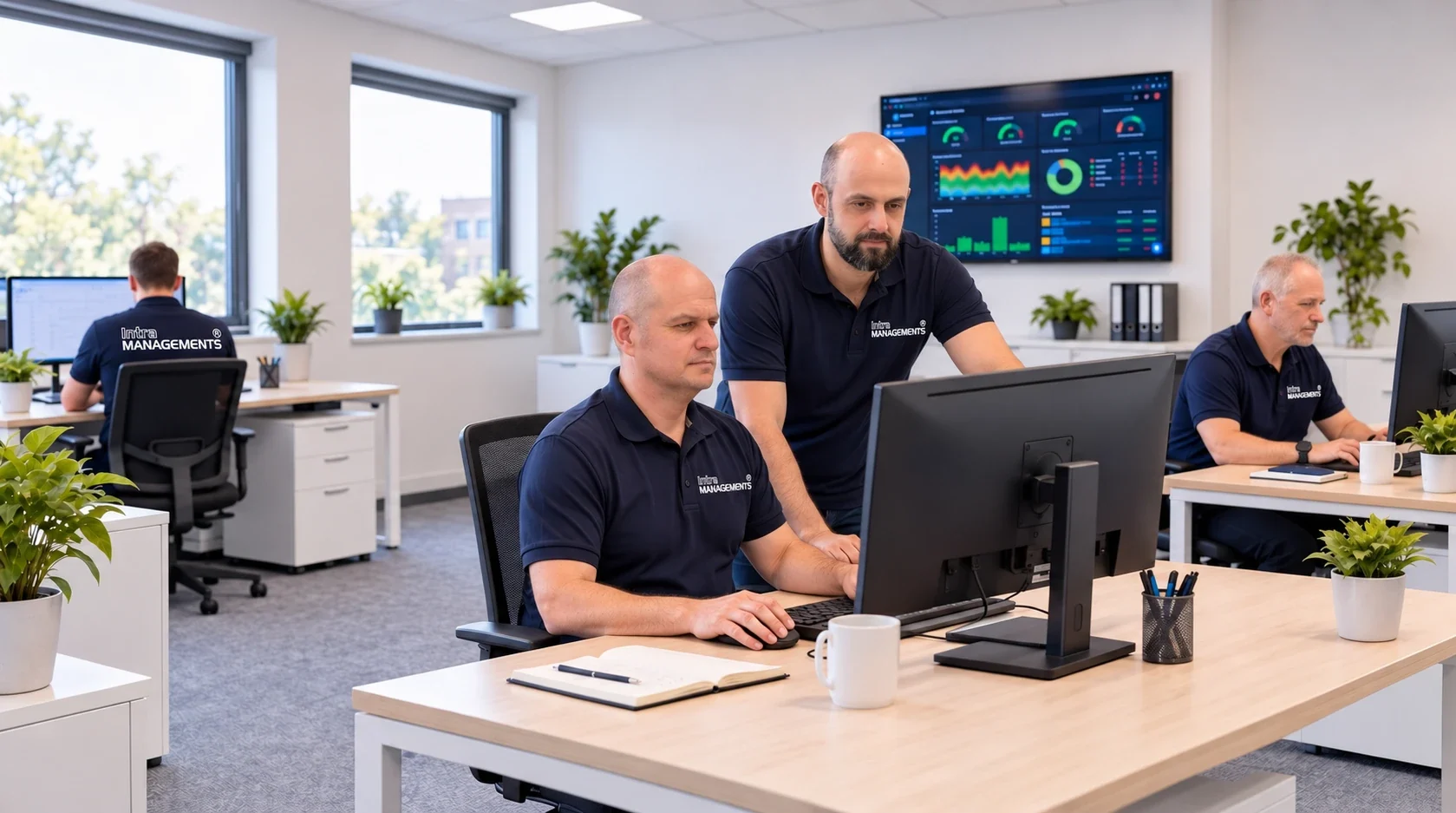
When a file is lost, overwritten or locked, call us. We restore it from a copy taken 30 minutes or less before, and tell you what happened.
In the past only big businesses could afford replication. We provide commercial-grade backup and recovery at a price a small office can afford, looked after by the same team that runs your IT.
Your server is copied onsite every 30 minutes or less, so a current copy is always in the building.
Copies kept outside your office, safe from whatever happens to the building.
If your office is out of action after a fire, flood or theft, we bring your systems back up somewhere else.
On the Complete plan, recovery after a disaster is included. On Basic, it's at our reduced hourly rate.
Monitoring alerts us when a backup doesn't finish, so it's fixed long before you need it.
A clean copy to restore from, and the Advanced Security Package to make it far less likely to happen.
We check that backups can actually be restored, not just that they ran.
Replication used to be something only big companies could afford. We bring the same protection to small offices.
A copy of your files is a start. Getting your office working again after a disaster takes more than that.
| Question | A USB drive in the office | Cloud file sync only | Backup and disaster recovery |
|---|---|---|---|
| How current is the copy | Whenever someone remembers | Changes sync as they happen | Every 30 minutes or less |
| After a fire or flood | Lost with the office | Your files survive, the server doesn't | Copies offsite, and systems brought back up |
| After ransomware | Often locked too | Locked files can sync over the good ones | Restored from a clean copy |
| Your server and programs | Usually not copied | Not copied | The whole server |
| Is anyone checking | Nobody | Nobody | Monitored every day |
| Who gets you running again | You | You | We do, at a new location if needed |
A backup is only half of it. What matters is how quickly your office is working again, and who does the work to get it there. Here is what happens when you call us.
Concept imageMonitoring tells us when your server or its backups go quiet, often before anyone in the office calls.
Without a plan: You find out when nobody can work.
 Concept image
We pick the most recent good backup, from 30 minutes or less before, onsite or offsite.
Without a plan: You hope last week's drive still works.
 Concept image
Your server and files restored, at a new location if your office is out of action.
Without a plan: You wait for new hardware and start from scratch.
 Concept image
Your staff log back in, and we send you a note: what happened, what we restored, and what we changed.
Without a plan: Days of lost work, and some lost clients.
IntraManagements has protected the data of Baltimore-area offices since 2003, from our office in Timonium. Here is how backup and recovery work with us.
 Concept image
Business continuity is a plain question: if your office flooded tonight, could you work tomorrow? Our backup and disaster recovery services are built to answer yes.
Concept imageAn onsite copy brings a lost file or a failed server back quickly. An offsite copy survives whatever happens to the building. One without the other leaves a gap.
 Concept image
Ransomware locks your files and asks for money to unlock them. A clean, recent backup means you can restore instead.
 Concept image
HIPAA expects practices to have a data backup plan and a disaster recovery plan. Law and financial firms are asked the same by insurers and regulators.
 Concept image
On the Complete plan, all of your IT issues are resolved at no additional charge, even if disaster strikes. On Basic, recovery is billed at our reduced hourly rate.
We review your servers, computers, backups and security, and tell you plainly what's working and what isn't. No charge, no obligation.
We set up monitoring and backups, document your setup, and work alongside your current provider or IT person during the handover.
From then on, your staff call us. Most problems are fixed remotely; anything else gets a visit, with no travel fee.
"… working with our company for well over a decade. They are a great IT company to use."
Our clients are small and mid-sized offices across Baltimore, Towson, Timonium and Hunt Valley. Backup and disaster recovery works best as part of our managed IT services, alongside our cybersecurity.
Our largest group of clients: office servers, job-site laptops and phones.
IT for contractorsFront desks that can't stop, and patient data that has to stay protected.
IT for medical and dentalProfessional services firms need confidential files, fast restores and email that works.
IT for law firmsSmall teams who need IT that just works, on a budget.
IT for nonprofitsOffices, portals and phones across more than one site.
IT for property managersAny small or mid-sized office that relies on its computers.
IT for other industriesStill deciding? Call (410) 337-0406 and ask for Jozef.
A backup is a copy of your data. Disaster recovery is getting your office working again after something goes wrong: finding a clean copy, bringing your server and files back, and getting your staff logged in, at a new location if your office can't be used. We do both.
Your server is replicated onsite every 30 minutes or less, and copies are kept outside the building. Our monitoring alerts us if a backup doesn't finish.
On the Complete plan, yes: recovery after a disaster is part of your monthly fee. On the Basic plan, recovery is billed at our reduced hourly rate, with no emergency fee and no travel fee.
They're how you recover from it. If ransomware locks your files, we restore from a clean copy taken before the attack, so you're not left deciding whether to pay. The Advanced Security Package in every plan works to stop the attack in the first place.
We bring your systems back up at a new location from the offsite copies, so your staff can keep working while the office is repaired.
Sync services keep your files available, but a deleted or locked file can sync too, and they don't copy your server or programs. In your free assessment we look at what you have and tell you plainly where the gaps are.
Book a free 2-hour assessment. We review your servers, computers, backups and security, and tell you plainly what's working and what isn't. No charge, no obligation.
Every good IT relationship starts with a conversation. We review your systems and security, answer your questions, and show you a clear plan.